Saturday, 23 March 2019

After Filming - Music


Music

For our music/sound samples we used GarageBand, primarily because we had used it before hand, therefore we knew what to do and had no issues using the software. For our film we didn't necessarily use music but more sound samples, such as drones and environmental noises.

We found the samples that we would like to use in our film, then added them and exported them accordingly, placing them into a large array of samples that we would then use in our film.


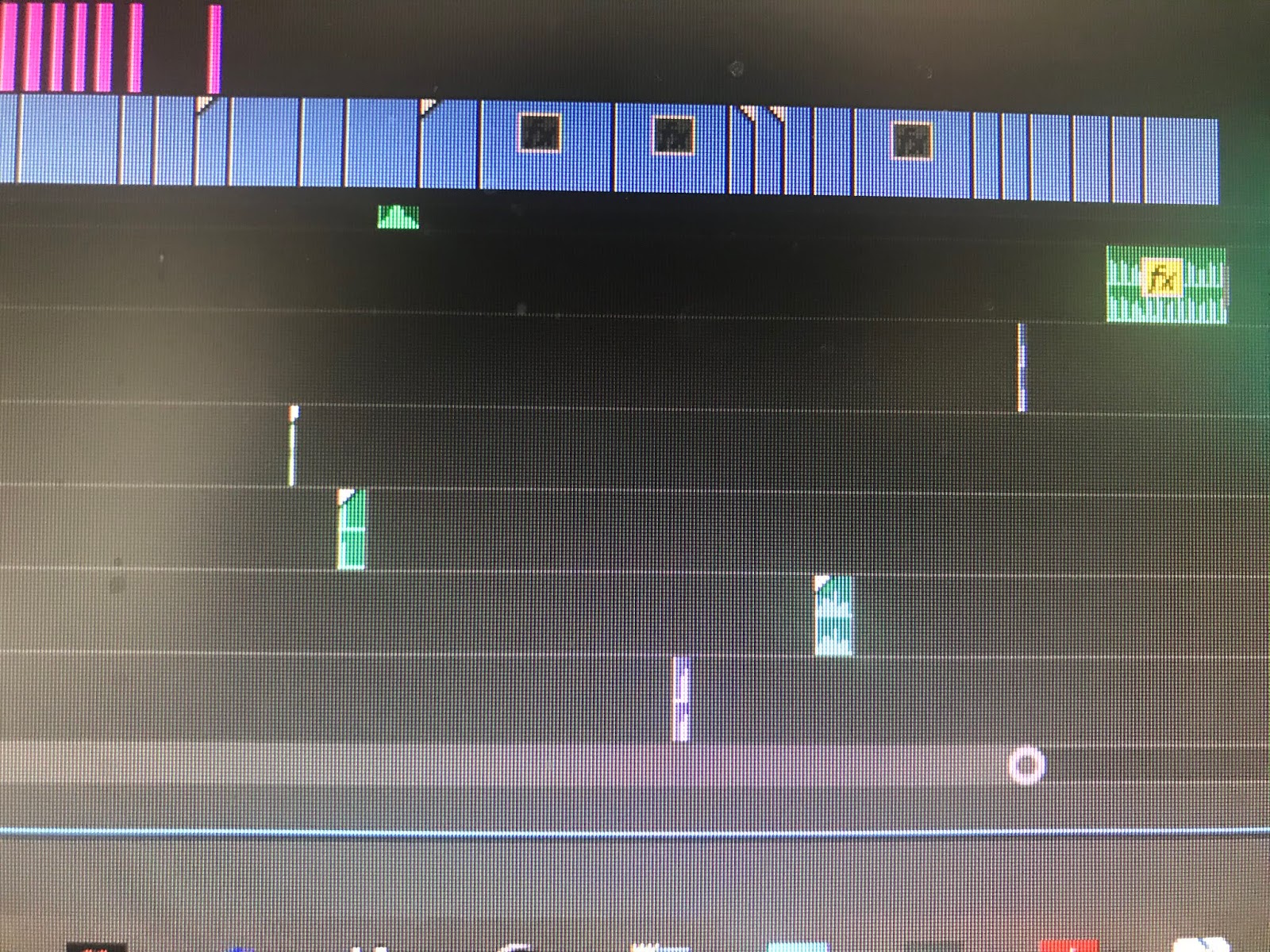
Throughout the film there is a constant drone playing in the background, which is layered with a variety of sounds like sharp sounds and doors creaking closing. This makes up the majority of our soundtrack.


After Filming - Editing


Editing

After capturing the footage for our film, we had to edit the clips together. For this we chose to use Adobe Premiere Pro, primarily we because we were very used to using it before and had edited other videos in the past with the software. This means we would be much more comfortable using it and editing would be easier to do.


Footage Importing

We firstly imported our footage into premiere pro, separating the footage into bins for footage and sound samples, to allow for us to easily find what we need.


Footage Editing

After importing all the necessary footage, we created a sequence with the footage, making sure to not exceed 2 minutes too excessively. We aligned the clips together to achieve continuity and no abrupt cuts to any random footage or random screens.


Sound Samples/Music

We then added our sound under the footage. We didn't use any music but a variety of sound samples that we got of GarageBand. We then exported them and used them in our film. 


Grpahics/Titles

After completing a large proportion of the film, we added our graphics over the top of the opening establishing shots, sticking to the same font and text size throughout.


Effects/Transitions

After adding all necessary footage, audio and graphics, we added our effects. This includes things like fades to achieve good continuity.
We added 'dip to black' fades on footage and 'exponential fades' on audio to make sure that they didn't suddenly cut out or be interrupted.


We also added fade effects onto our graphics through the 'effect controls' section. This meant that titles would fade in and out smoothly rather than appear and disappear very abruptly.


Tuesday, 15 January 2019

Before Filming - Classification and NRS Social Grade


Classification and NRS Social Grade

Classification

Due to the classification guidelines, our film will to be classified as suitable for an audience of 15 or over.

Our opening sequence contains use of harsh language and connotations of death, but no visual image of somebody being killed, containing gore, etc. We are simply classifying this film as a 15 due to the use of harsh language which most definitely should not be permitted around anybody younger than the age of 15.

The connotations of death are quite obvious that somebody has been killed, but will only be obvious through editing, and not the images provided on screen. However, if this film were to go on even longer, than the following death scenes within the film would most likely fit the classification of a 15 for this film.

NRS Social Grades

The NRS Social Grades are a system of demographic classification used in the United Kingdom and the social grades are distinguished based on occupation.

Grade A - Upper Middle Class
Higher managerial, administrative or professional.

Grade B - Middle Class
Intermediate Managerial, administrative or professional.

Grade C1 - Lower Middle Class
Supervisory or clerical and junior managerial, administrative or professional

Grade C2 - Skilled Working Class
Skilled Manual Workers

Grade D - Working Class
Semi-skilled and unskilled manual workers

Grade E - Non-Working
State pensioners, casual and lowest grade workers, unemployed with state benefits only.

Naturally this film is going to be viewed by audiences based on there movie genre preference. This variety of audience can be spread amongst various social grades of any kind. Therefore, this film won't be targeting a specific Social Grade audience, but all audiences, grades A to E.

Sources:
https://en.wikipedia.org/wiki/NRS_social_grade (Visited 14/01/19)

Before Filming - Permission Forms


Permission/Consent Forms

General Permission/Consent Form


Signed Permission/Consent Forms


Before Filming - Actor Scouting


Actors

Jack Vera - Joe Higgle (Teenager)

In our film 'Smile', our actor Jack is playing the role of our character Joe Higgle who is a teenager living his everyday life by playing video games.


Jensen Adeyanju - 'Smile' (Killer)

In our film 'Smile, our actor Jensen is playing the role of the killer.

Before Filming - Props, Make-up, Costumes


Props, Make-up and Costumes

No make-up will be used in the making of the film.

There however will be a variety of costumes and props.

Props


The opening first scene is based around playing games so we will need a console controller to play games and a monitor to see the games being played in the camera shot. The variety of items in the shot above are all going to be in use such as the microphone, headset, etc.


The yogurt and spoon is for one of the later scenes when our character Joe Higgle is downstairs getting a snack.


The LED mask is for our antagonist, 'Smile', in the film.

Costumes

Jack - Joe Higgle (Teenager):

Jack is going to be at home relaxing by playing some games, so for the film he'll be wearing very casual clothes such as; shorts, a t-shirt and a hoodie.


Jensen - Smile (Killer)

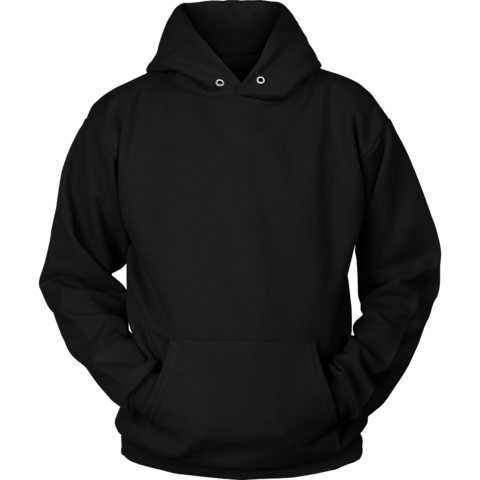
Jensen is going to spending majority of his time in the dark wearing the LED mask so it stands out more. To make sure only the mask stands out, he'll be wearing a full black outfit of any kind, most likely a black hoodie, black trousers and black trainers. We won't need to see his body that much throughout the film, hence the costume can be of any kind, but most preferably comfortable.


Saturday, 12 January 2019

Before Filming - Location


Location


These are the variety of areas within the location that we shall be using to produce the film, but obviously it'll be done much later when it is darker.

Evaluation

Evaluation YouTube Link:  https://www.youtube.com/watch?v=r-GckFqHTZs One Drive Link:  https://thealdenhamfoundation-my.sharep...